
Files stay in the browser
The PDF engine runs as WebAssembly in a Web Worker. Documents are never uploaded to us or anyone else.
Claims, contracts, onboarding forms, reports. EmbedPDF gives your Angular app one standalone component that reads, fills in, signs and redacts PDFs in the browser. Need your own UI? Every feature is also a service with signals.
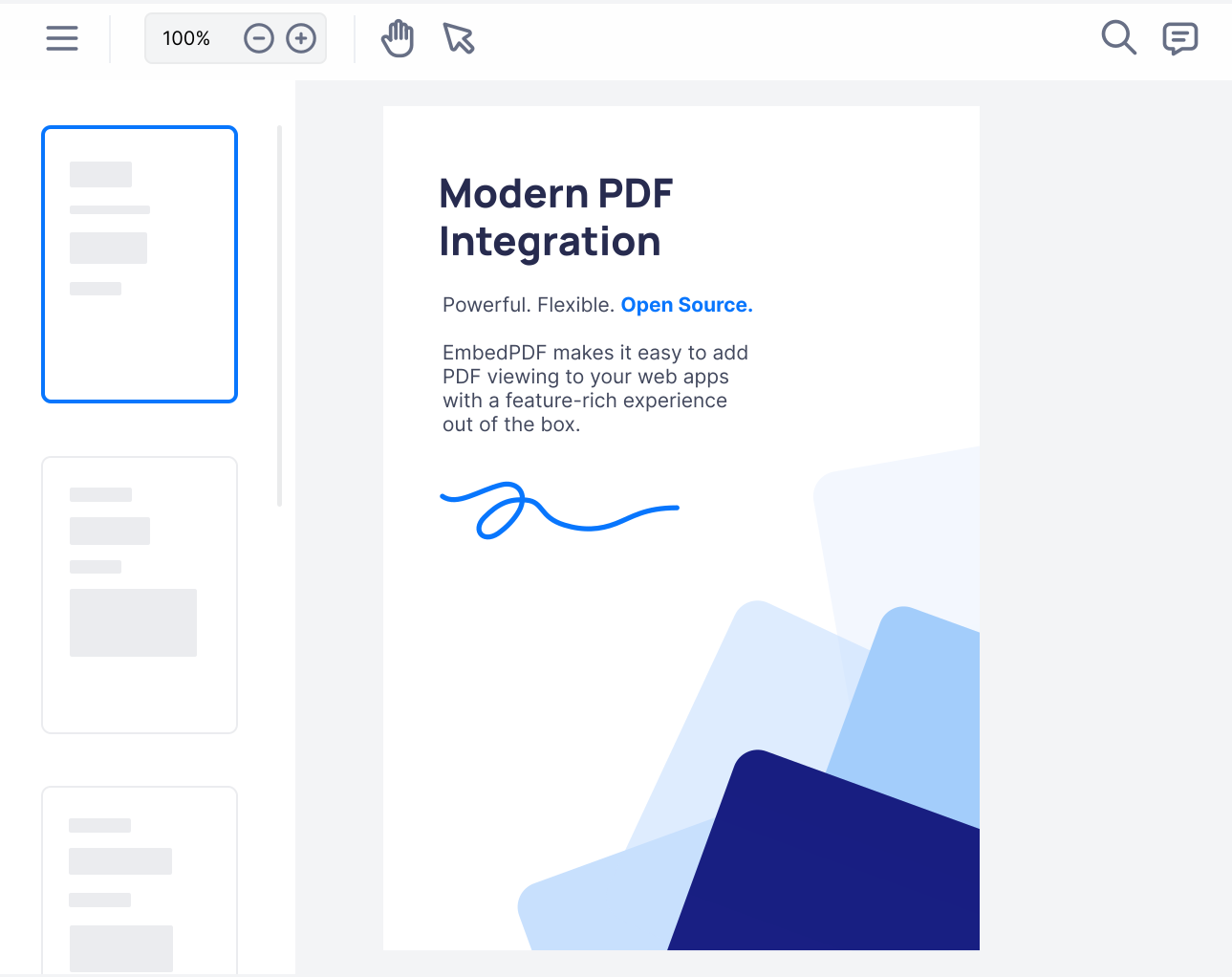
import { Component } from '@angular/core';
import { EpdfPdfViewer } from '@embedpdf/viewer-angular';

@Component({
  selector: 'app-root',
  imports: [EpdfPdfViewer],
  template: `
    <epdf-pdf-viewer
      src="/report.pdf"
      style="height: 100vh"
    />
  `,
})
export class App {}Your users don't only read PDFs. They review, fill in, approve and sign them. The viewer handles all of it, and saves the result into the PDF.
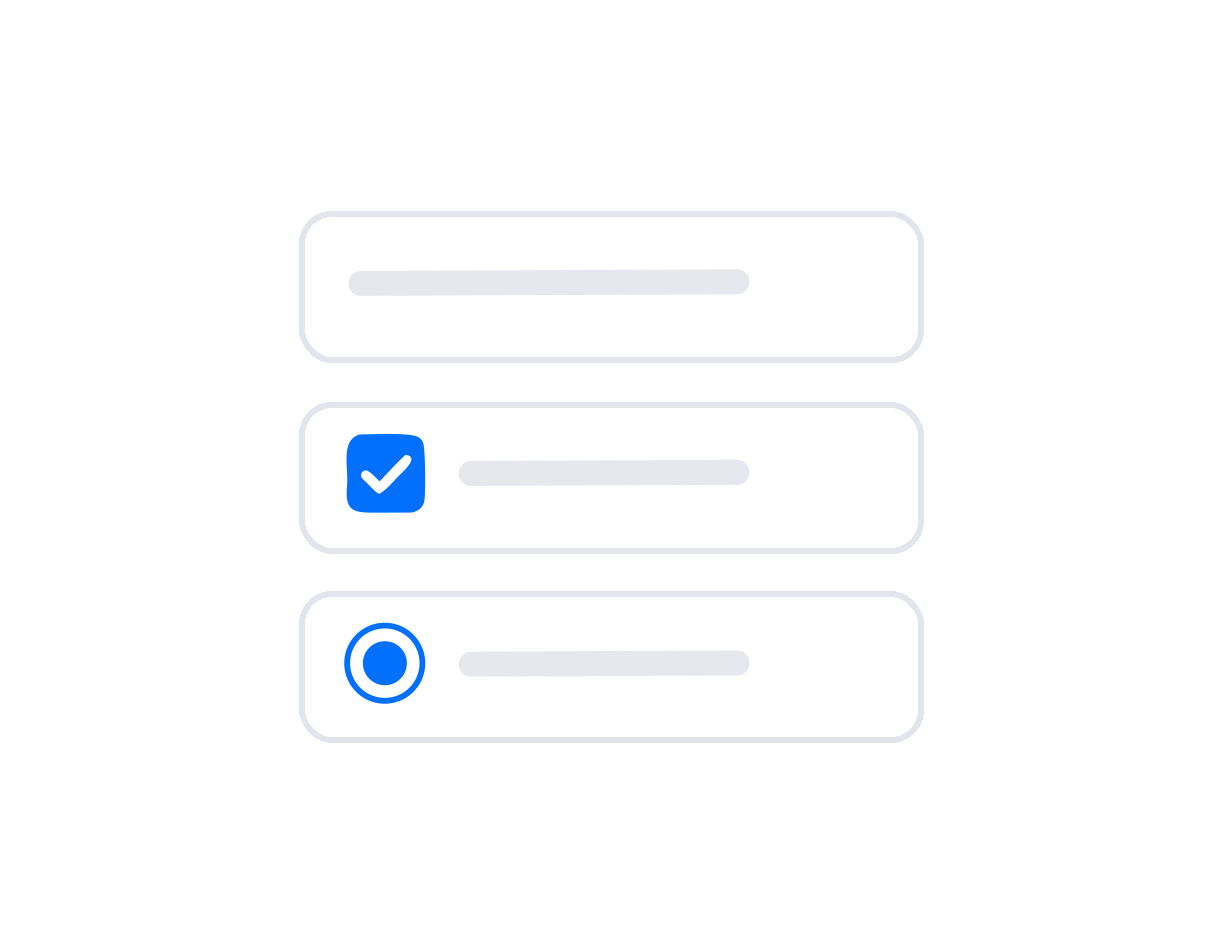
Fill in PDF forms, or let staff build new fields in the form mode.
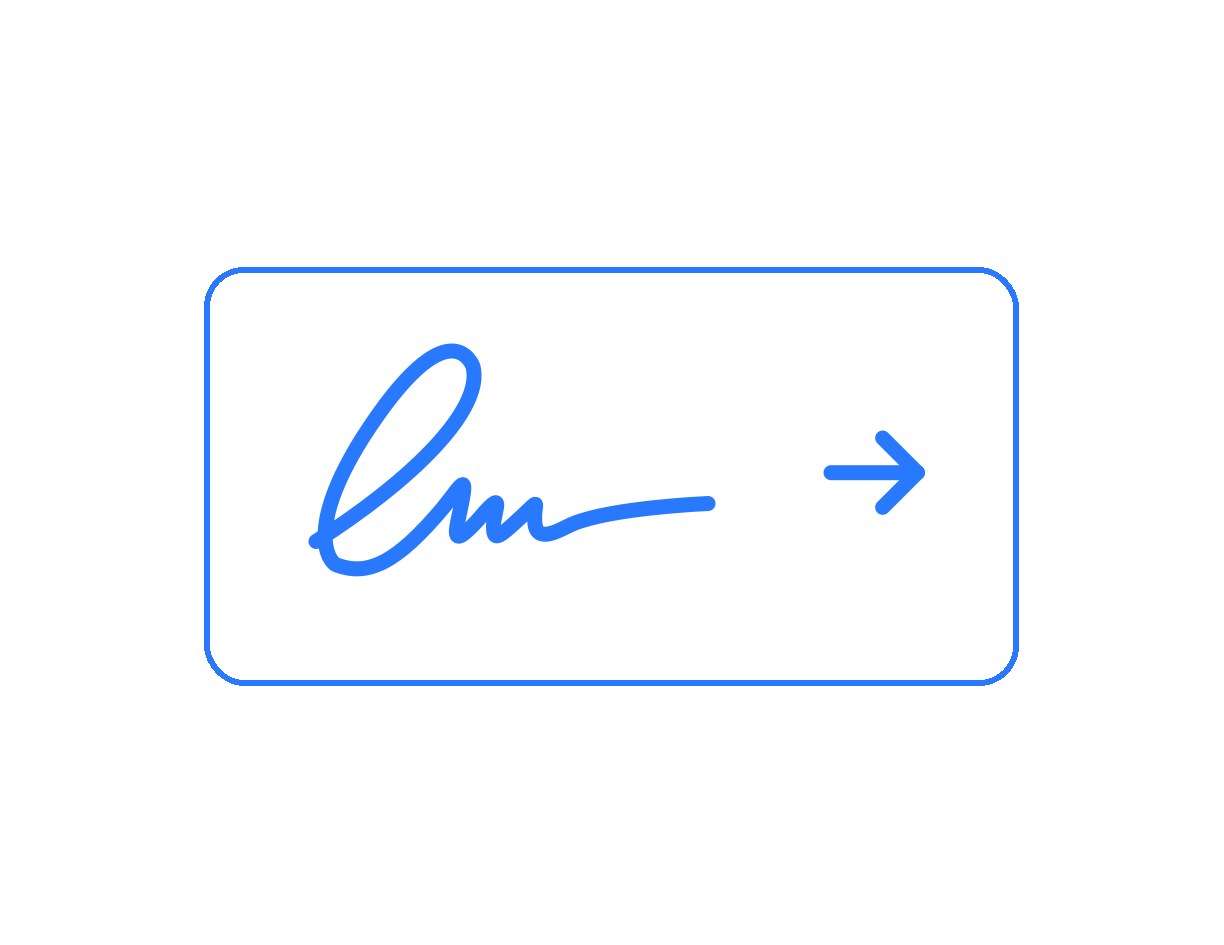
Sign with a key you control, and check the signatures a file already has.

Remove personal data from the file for good, not just cover it up.

Highlights, notes and comment threads with replies, by author.

Standard stamps like Approved, or your own company stamps and images.
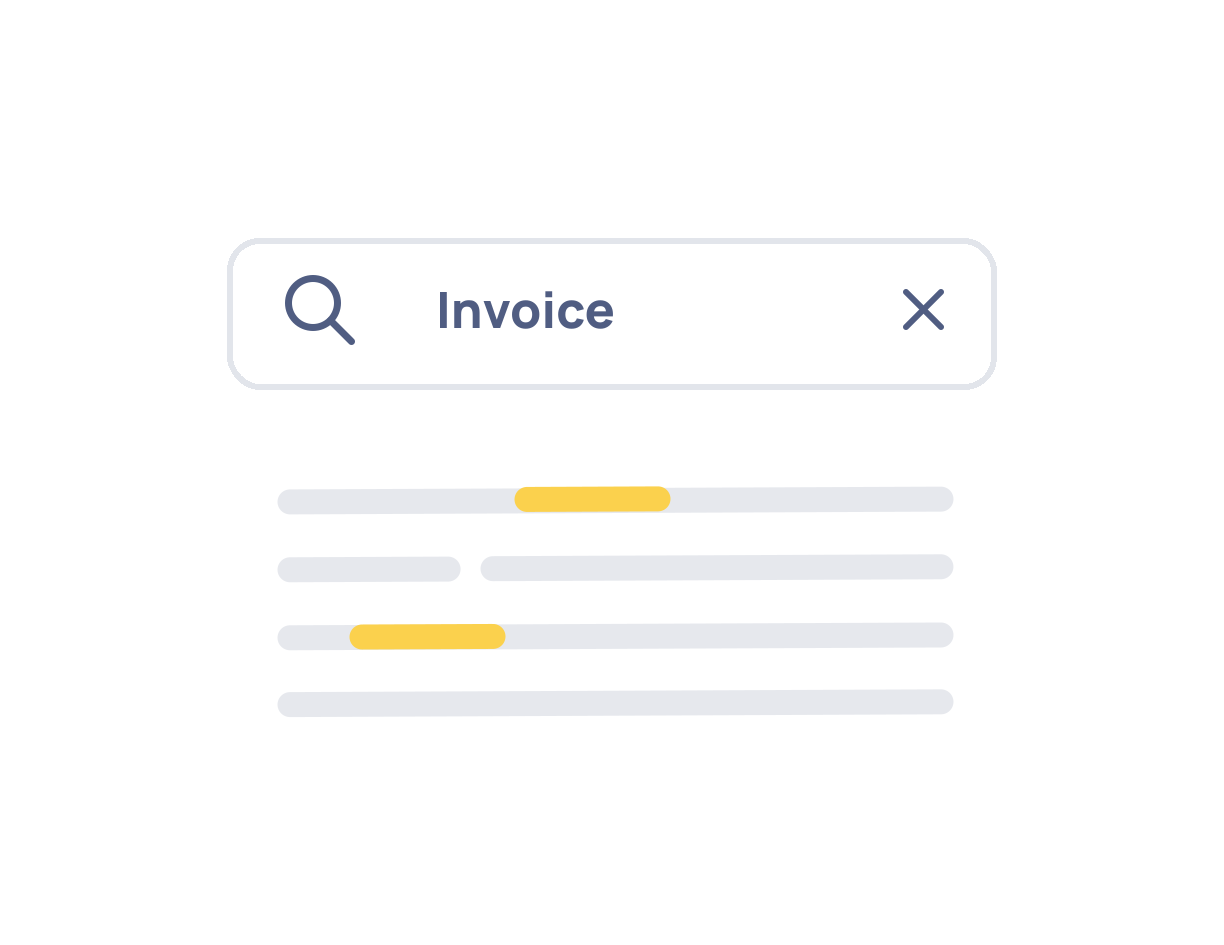
Find a clause in a 300-page contract, with every match listed.
No module to register, no assets to copy into angular.json. Import the component and use it.
@embedpdf/viewer-angular holds the viewer, the toolbar and the PDF engine. The engine’s WebAssembly is served from your own app.
npm install @embedpdf/viewer-angular@nextAdd EpdfPdfViewer to your component’s imports and put <epdf-pdf-viewer> in the template.
The (ready) output gives you the viewer. Every feature is a plugin you reach by name.
import { Component } from '@angular/core';
import { EpdfPdfViewer, type Viewer } from '@embedpdf/viewer-angular';

@Component({
  selector: 'app-root',
  imports: [EpdfPdfViewer],
  template: `<epdf-pdf-viewer src="/report.pdf" style="height: 100vh" (ready)="onReady($event)" />`,
})
export class App {
  onReady(viewer: Viewer) {
    viewer.documents.onOpened(() => viewer.get('search').search({ text: 'total' }));
  }
}Put any of your components in an ng-template with epdfToolbarItem, and tell the layout where it goes.
It keeps your services, your styles and your dependency injection.
import { Component } from '@angular/core';
import { EpdfPdfViewer, EpdfToolbarItem, type Layout } from '@embedpdf/viewer-angular';
import { DocumentStatus } from './document-status';

@Component({
  selector: 'app-root',
  imports: [EpdfPdfViewer, EpdfToolbarItem, DocumentStatus],
  template: `
    <epdf-pdf-viewer src="/report.pdf" [layout]="layout" style="height: 100vh">
      <ng-template epdfToolbarItem="status">
        <app-document-status />
      </ng-template>
    </epdf-pdf-viewer>
  `,
})
export class App {
  readonly layout = (layout: Layout) => layout.add({ custom: 'status' }, { to: 'main', section: 'end' });
}Install @embedpdf/angular when the ready-made toolbar is not enough. Each feature is one service: inject(EpdfSearch) for search, inject(EpdfAnnotation) for annotations, and so on.
Call its methods from your event bindings. Read its state as signals in your template. A signal only updates what reads it, so a hit counter never redraws a list.
form.controlOf()import { Component, inject } from '@angular/core';
import { EpdfRenderLayer } from '@embedpdf/angular/render';
import { EpdfSearch, EpdfSearchLayer } from '@embedpdf/angular/search';
import { EpdfPageTemplate, EpdfStage } from '@embedpdf/angular/stage';
@Component({
selector: 'app-search',
imports: [EpdfStage, EpdfPageTemplate, EpdfRenderLayer, EpdfSearchLayer],
template: `
<form (submit)="$event.preventDefault()">
<input #query (input)="search.search({ text: query.value })" />
@if (search.status() === 'searching') {
<span>Searching…</span>
}
@if (search.hitCount() > 0) {
<span>{{ search.activeHitIndex() + 1 }} of {{ search.hitCount() }}</span>
}
<button type="button" (click)="search.previousHit()">↑</button>
<button type="button" (click)="search.nextHit()">↓</button>
</form>
<epdf-stage>
<ng-template epdfPage>
<epdf-render-layer />
<epdf-search-layer />
</ng-template>
</epdf-stage>
`,
})
export class SearchPage {
protected readonly search = inject(EpdfSearch);
}The questions that usually stall a PDF library in review, answered up front.
It runs under a strict Content Security Policy with no unsafe-inline. The docs list the exact policy to copy.
The package is safe to import on the server, so Angular SSR and prerendering just work. The server sends an empty box of the right size, and the viewer starts in the browser.
Wrap it in @defer (on viewport) and the viewer’s code is not even part of the first download. It loads when the user scrolls to it.
import { Component } from '@angular/core';
import { EpdfPdfViewer } from '@embedpdf/viewer-angular';

@Component({
  selector: 'app-report',
  imports: [EpdfPdfViewer],
  template: `
    @defer (on viewport) {
      <epdf-pdf-viewer src="/report.pdf" style="height: 100vh" />
    } @placeholder {
      <div style="height: 100vh"></div>
    }
  `,
})
export class Report {}What Angular teams ask before they adopt it.
Angular 20.2 and later. Everything is a standalone component, uses OnPush change detection and is built on signals, so it fits apps made with the current Angular defaults.
Yes. EpdfPdfViewer is a standalone component, and Angular lets you add standalone components to the imports of an NgModule. You don’t have to migrate your app first.
No. The components are OnPush and update through signals, so they work in zoneless apps that use provideZonelessChangeDetection(), the default for new Angular apps. They work in apps with zone.js too.
Yes. The package is safe to import on the server, which renders an empty box of the size you set. Wrap the viewer in @defer (on viewport) and its code also stays out of the first download until the user scrolls to it.
ngx-extended-pdf-viewer brings Mozilla’s PDF.js viewer, the one in Firefox, into Angular and lets you configure it. EmbedPDF gives you an Angular API of its own: a standalone component with inputs and outputs, and headless services with signals if you build your own UI. It runs on PDFium, the engine inside Chrome. It also includes real redaction and digital signatures with a key you control.
Use @embedpdf/viewer-angular. Version 2 had no Angular package, so many teams called @embedpdf/snippet from a component by hand. Version 3 gives you a real standalone component with inputs and outputs, and the migration guide in the docs maps each old config key to its new name.
No. The PDF engine runs as WebAssembly in a Web Worker inside the browser. Documents are opened, changed and saved on the user’s device, and nothing is fetched from a third party at runtime.
Apache-2.0. It is free for commercial use, it does not require you to open source your own code, and it includes an explicit patent grant, which legal teams tend to like.
One standalone component today. Signals and services when you need more. Open source, Apache-2.0, and no documents leaving the browser.
npm install @embedpdf/viewer-angular@next