EmbedPDF
Vue PDF Viewer

The Vue PDF viewer that feels like Vue

Props in, events out, slots for your own parts. Get a complete PDF viewer with a single tag, or build your own with composables that give you refs. Made for Vue 3 and Nuxt, free and open source.

4K+stars1M+downloadsApache-2.0 licensed
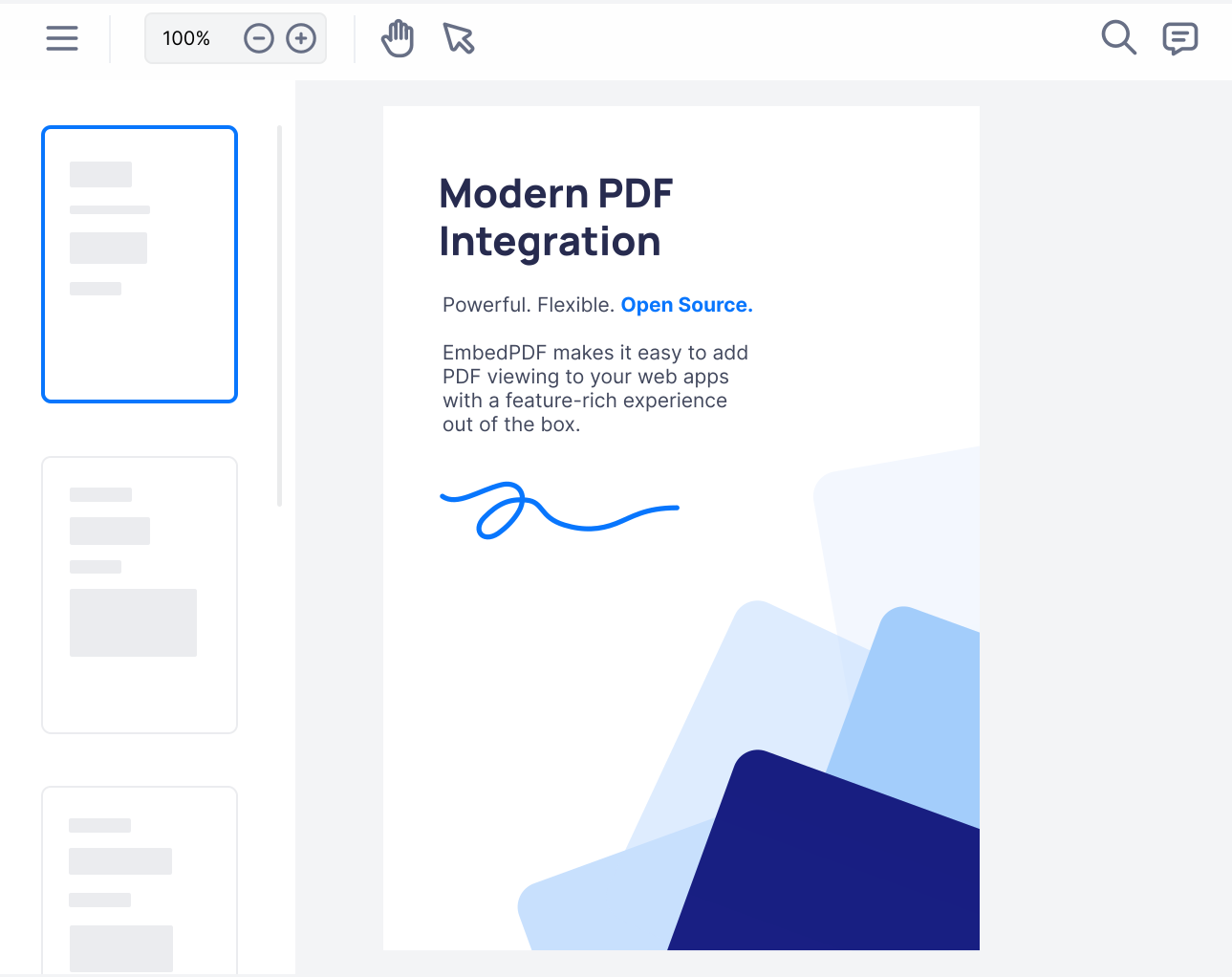
The EmbedPDF viewer running in a Vue app
App.vue
<script setup lang="ts">
import { PDFViewer } from '@embedpdf/viewer-vue';
</script>

<template>
  <PDFViewer
    src="/report.pdf"
    style="height: 100vh"
  />
</template>
Made for Vue 3
  • Vue 3.4 and later
  • Nuxt, no <ClientOnly>
  • <script setup> ready
Two packages

Start ready-made. Go custom when you need to.

Both run on the same engine and the same plugins, so nothing you learn in one is wasted in the other.

Ready-made viewer

A full viewer in one component

Toolbar, side panels, menus, dialogs and every feature, already designed and tested on phones and desktops. You set props, it does the rest.

  • Your brand color with one prop
  • 13 languages, right-to-left included
  • Add, move or hide any button
$ npm install @embedpdf/viewer-vueVue viewer quick start

Headless

Composables and components

No ready-made UI at all. You get the PDF engine, the page view and every feature as composables, and you write the templates.

  • Composables that return refs
  • Slots decide what each page shows
  • Only the features you import are bundled
$ npm install @embedpdf/vue @embedpdf/engineVue headless quick start
Composables

Composables that hand you refs

Every feature comes with composables you call in <script setup>. useStage() gives you the actions, like zoomIn(). useStageState() gives you refs to show, like zoomLevel.

When the zoom changes, from your button, a pinch or a line of code, your template updates by itself. No watchers to wire up, no manual sync.

  • The action object never changes, so it is safe in watchers and handlers
  • Event composables stop listening when the component unmounts
  • The same pattern for search, annotations, forms and every other feature
ZoomControls.vue
<script setup lang="ts">
import { useStage, useStageState } from '@embedpdf/vue/stage';

const stage = useStage();
const { zoomLevel } = useStageState();
</script>

<template>
  <div>
    <button @click="stage.zoomOut()">−</button>
    <span>{{ Math.round(zoomLevel * 100) }}%</span>
    <button @click="stage.zoomIn()">+</button>
  </div>
</template>
Slots

Your own Vue components, inside the toolbar

The ready-made viewer is not a closed box. Put any of your components in a <ToolbarItem> slot and tell the layout where it goes.

It stays your component: your styles, your Pinia stores, your props. The viewer only decides where it sits.

  • Place it at the start or end of any toolbar
  • Add your own commands with an icon and a tooltip
  • Arrow keys reach it, like any built-in button
App.vue
<script setup lang="ts">
import { PDFViewer, ToolbarItem, type Layout } from '@embedpdf/viewer-vue';
import DocumentStatus from './DocumentStatus.vue';

const layout = (layout: Layout) => layout.add({ custom: 'status' }, { to: 'main', section: 'end' });
</script>

<template>
  <PDFViewer src="/report.pdf" :layout="layout" style="height: 100vh">
    <ToolbarItem id="status">
      <DocumentStatus />
    </ToolbarItem>
  </PDFViewer>
</template>
Why Vue teams pick it

Less to build, less to worry about

The things that usually take weeks are already done, tested and open source.

Files stay on the device

The PDF engine runs in the browser, in a Web Worker. Nothing is uploaded, and nothing is fetched from a third party.

The engine inside Chrome

PDFium, the engine Chrome uses to show PDFs, compiled to WebAssembly. Odd fonts and complex files look right.

Smooth with big files

Only the pages on screen are drawn, so a report with hundreds of pages scrolls as easily as a one-page invoice.

Speaks 13 languages

It follows the browser, or your own locale. Arabic and Hebrew flip the whole layout right-to-left.

Looks like your app

One accent color restyles every button and handle. Light, dark or system, switched with a prop.

Only what you need

Turn features off with disable, or make the whole viewer read-only with readOnly. Both can change while the viewer runs.

Nuxt

Nuxt? No <ClientOnly> needed.

PDF libraries usually crash on the server, because they reach for the browser the moment you import them. So you wrap them in <ClientOnly> and live with the flash.

@embedpdf/viewer-vue is safe to import on the server. Nuxt renders an empty box of the right size, the page does not jump, and the viewer starts as soon as the page loads in the browser.

  • Works the same in Nuxt, Vite and any Vue 3 setup
  • The engine’s WebAssembly is served from your own site
  • Runs under a strict Content Security Policy
pages/report.vue
<!-- pages/report.vue in Nuxt: no <ClientOnly> needed. -->
<script setup lang="ts">
import { PDFViewer } from '@embedpdf/viewer-vue';
</script>

<template>
  <PDFViewer src="/report.pdf" style="height: 100vh" />
</template>
FAQ

Questions from Vue developers

Can't find yours? Ask in GitHub Discussions.

Does it work with Nuxt?

Yes. Use <PDFViewer> in any Nuxt page or component. The package is safe to import on the server, so you don’t need <ClientOnly> or a .client.vue file. The server renders an empty box of the size you set, and the viewer starts in the browser. A custom viewer built with the headless composables goes inside <ClientOnly>.

Which versions of Vue are supported?

Vue 3.4 and later. Both packages list vue >= 3.4 as their only peer dependency. Vue 2 is not supported.

How is EmbedPDF different from vue-pdf-embed?

vue-pdf-embed is a small component that draws PDF pages with PDF.js, with optional text and annotation layers. It leaves the rest to you: no toolbar, no search box, and no tools to add annotations, sign, or save a filled-in form back into the file. EmbedPDF includes all of that, ready to use, and runs on PDFium, the PDF engine inside Chrome.

How do I react to what happens in the viewer?

Listen to @ready. It gives you the viewer once it is live, and every feature is a plugin you reach by name, for example viewer.get("search"). In the headless package, event composables such as useSearchEvent() call your function when something happens, and stop listening when your component unmounts.

Can the viewer use my app’s language?

Yes. It speaks English, German, French, Spanish, Italian, Dutch, Portuguese, Polish, Japanese, Simplified Chinese, Korean, Arabic and Hebrew, and follows the browser by default. Bind locale to your own i18n setting to switch it, and use strings to change any label.

We use @embedpdf/vue-pdf-viewer from version 2. What changes?

The ready-made viewer is now @embedpdf/viewer-vue, and the headless composables live in @embedpdf/vue. The migration guide in the docs maps each version 2 name to its version 3 one.

Do I need a server or an API key?

No. The PDF engine runs as WebAssembly in a Web Worker in the browser, and its files are served from your own site. There is no account to create and no key to set.

Is it free for commercial projects?

Yes. EmbedPDF is open source under the Apache-2.0 license, so you can use it in paid and closed-source products at no cost.

Ready when you are

Give your Vue app a real PDF viewer

One install and one tag. Your users get search, annotations, forms and signatures today, and you keep full control for tomorrow.

Terminal
npm install @embedpdf/viewer-vue@next