
State, the runes way
useSearchState() gives you one reactive object. Read state.hitCount in your markup and it updates by itself. No stores to subscribe to.
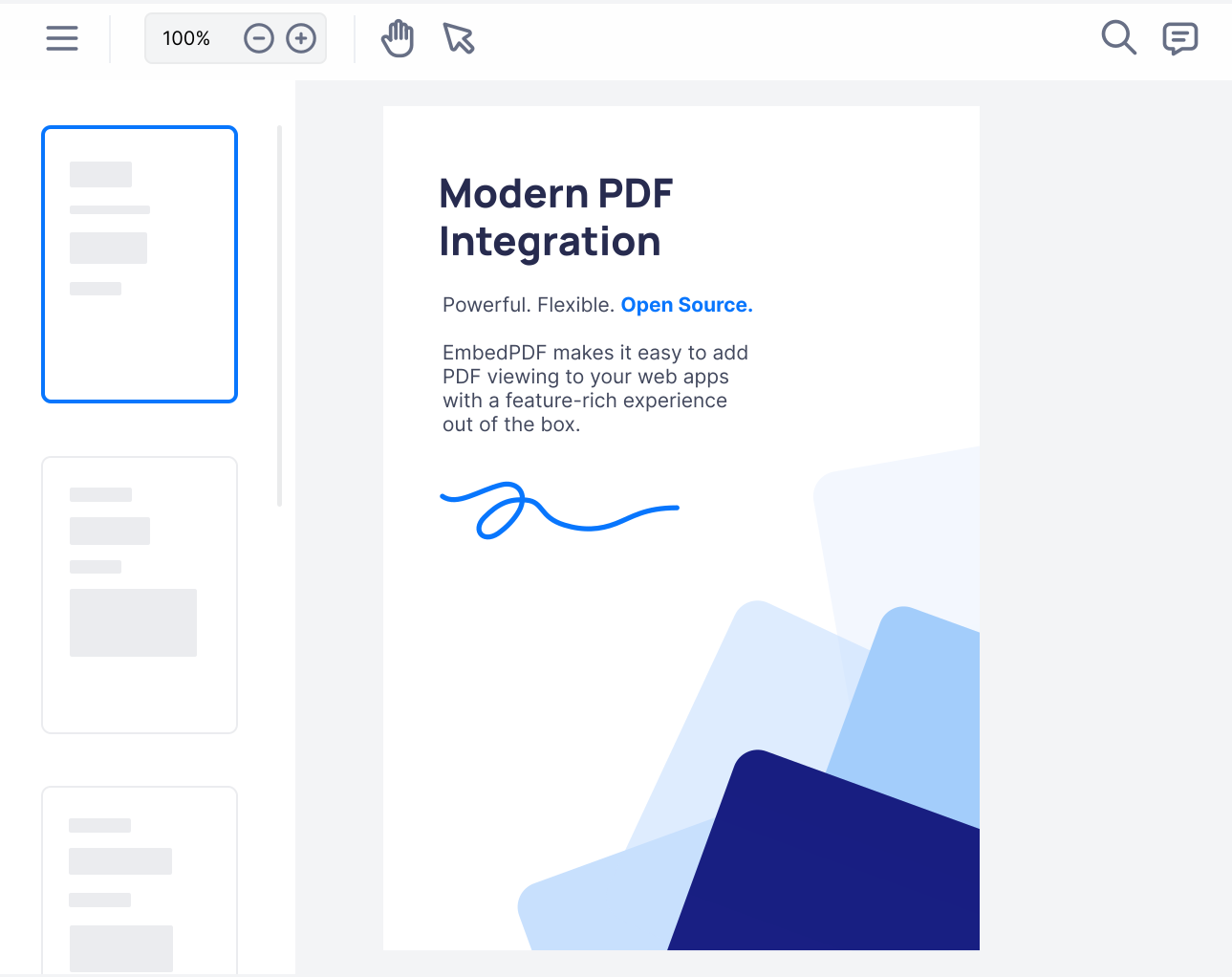
One tag and your users can read, search, mark up, fill in and sign PDFs. Want your own design? The headless parts speak runes and snippets, just like the rest of your Svelte 5 code. Free and open source.
<script lang="ts">
  import { PDFViewer } from '@embedpdf/viewer-svelte';
</script>

<PDFViewer
  src="/report.pdf"
  style="height: 100vh"
/>Everything you touch from Svelte follows the patterns Svelte 5 introduced: runes, snippets and callback props.
useSearchState() gives you one reactive object. Read state.hitCount in your markup and it updates by itself. No stores to subscribe to.
Pass a {#snippet fallback()} to show while a file opens. Whatever you put inside <Stage> is drawn on every page.
Listen with plain callback props like onready, the Svelte 5 way. No event dispatchers, and every callback is typed.
The ready-made viewer goes straight into +page.svelte. No {#if browser} checks and no onMount tricks.
The same three steps work in a plain Svelte 5 + Vite project.
@embedpdf/viewer-svelte brings the whole viewer: toolbar, panels and the PDF engine. It needs Svelte 5.
npm install @embedpdf/viewer-svelte@nextUse it in any +page.svelte. It is safe to render on the server, so no guards are needed. Give it a height and it fills the box.
<!-- src/routes/report/+page.svelte in SvelteKit: no {#if browser} needed. -->
<script lang="ts">
  import { PDFViewer } from '@embedpdf/viewer-svelte';
</script>

<PDFViewer src="/report.pdf" style="height: 100vh" />onready hands you the viewer once it is live. Every feature is a plugin you reach by name. This one searches each document for “total” when it opens.
<script lang="ts">
  import { PDFViewer, type Viewer } from '@embedpdf/viewer-svelte';

  function onready(viewer: Viewer) {
    viewer.documents.onOpened(() => viewer.get('search').search({ text: 'total' }));
  }
</script>

<PDFViewer src="/report.pdf" {onready} style="height: 100vh" />Install @embedpdf/svelte and there is no ready-made UI at all. You get the engine, the page view and every feature as small functions. You write the markup.
This search box is the whole thing: an input, a counter and two buttons. Style it however you like. The matches light up in the pages by themselves.
<script lang="ts">
  import { RenderLayer } from '@embedpdf/svelte/render';
  import { SearchLayer, useSearch, useSearchState } from '@embedpdf/svelte/search';
  import { Stage } from '@embedpdf/svelte/stage';

  const search = useSearch();
  const state = useSearchState();
</script>

<form onsubmit={(event) => event.preventDefault()}>
  <input oninput={(event) => search.search({ text: event.currentTarget.value })} />
  {#if state.status === 'searching'}
    <span>Searching…</span>
  {/if}
  {#if state.hitCount > 0}
    <span>{state.activeHitIndex + 1} of {state.hitCount}</span>
  {/if}
  <button type="button" onclick={() => search.previousHit()}>↑</button>
  <button type="button" onclick={() => search.nextHit()}>↓</button>
</form>

<Stage>
  <RenderLayer />
  <SearchLayer />
</Stage>Your users get all of this on day one. Switch off what you don't need with the disable prop.

Highlight text, draw freehand, add shapes, notes and callouts. Ctrl+Z undoes.
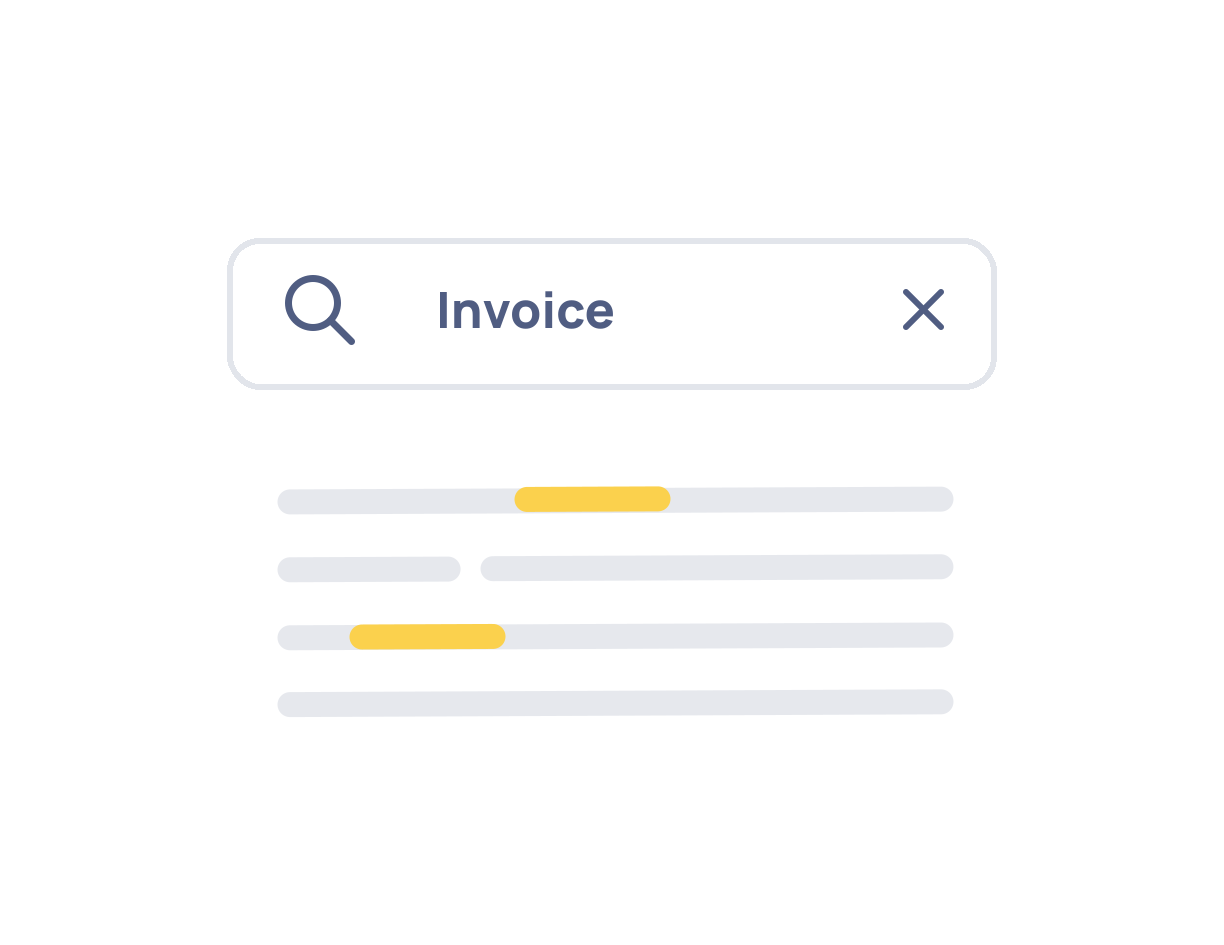
Every match highlighted on the page and listed in a side panel.
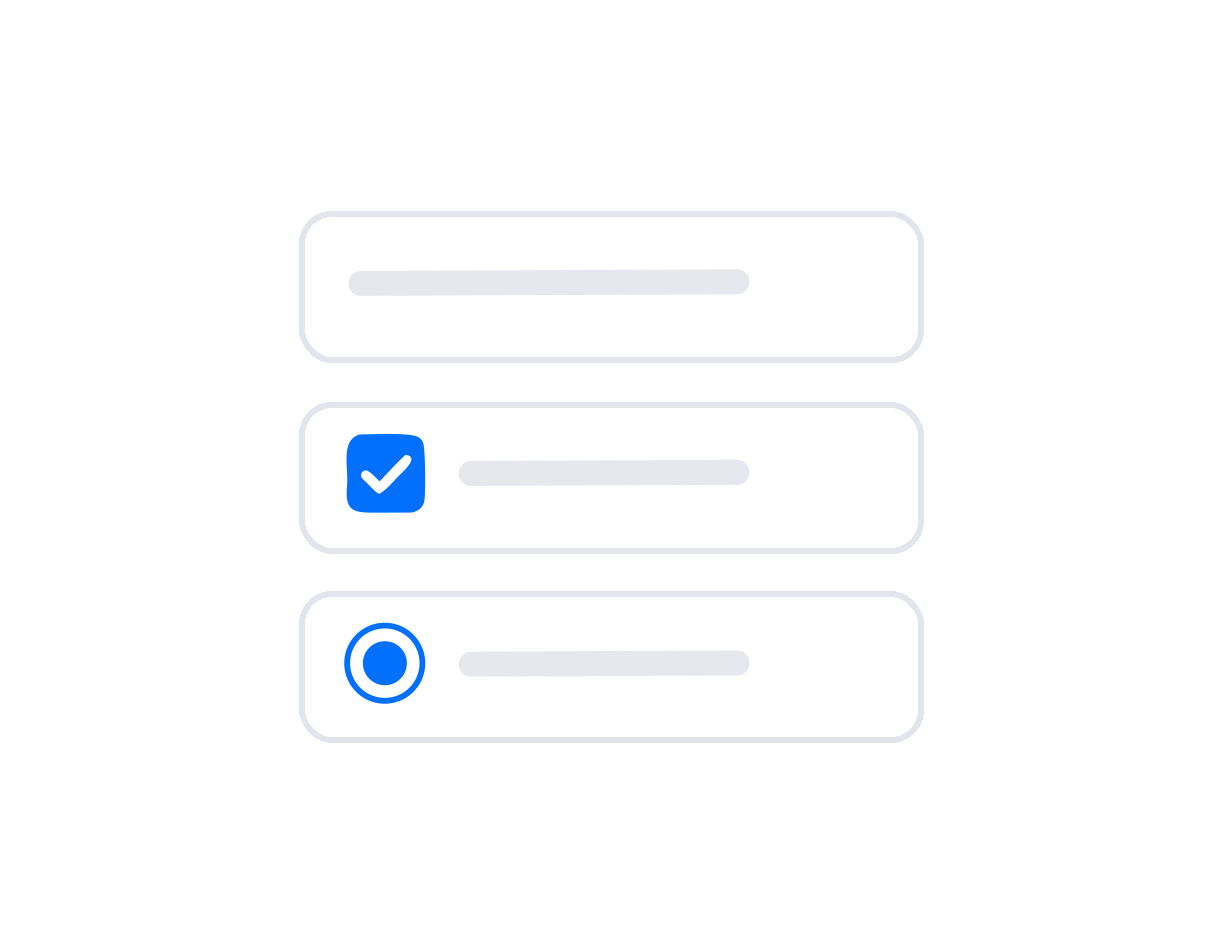
Fill in existing forms, or add new fields in the form mode.
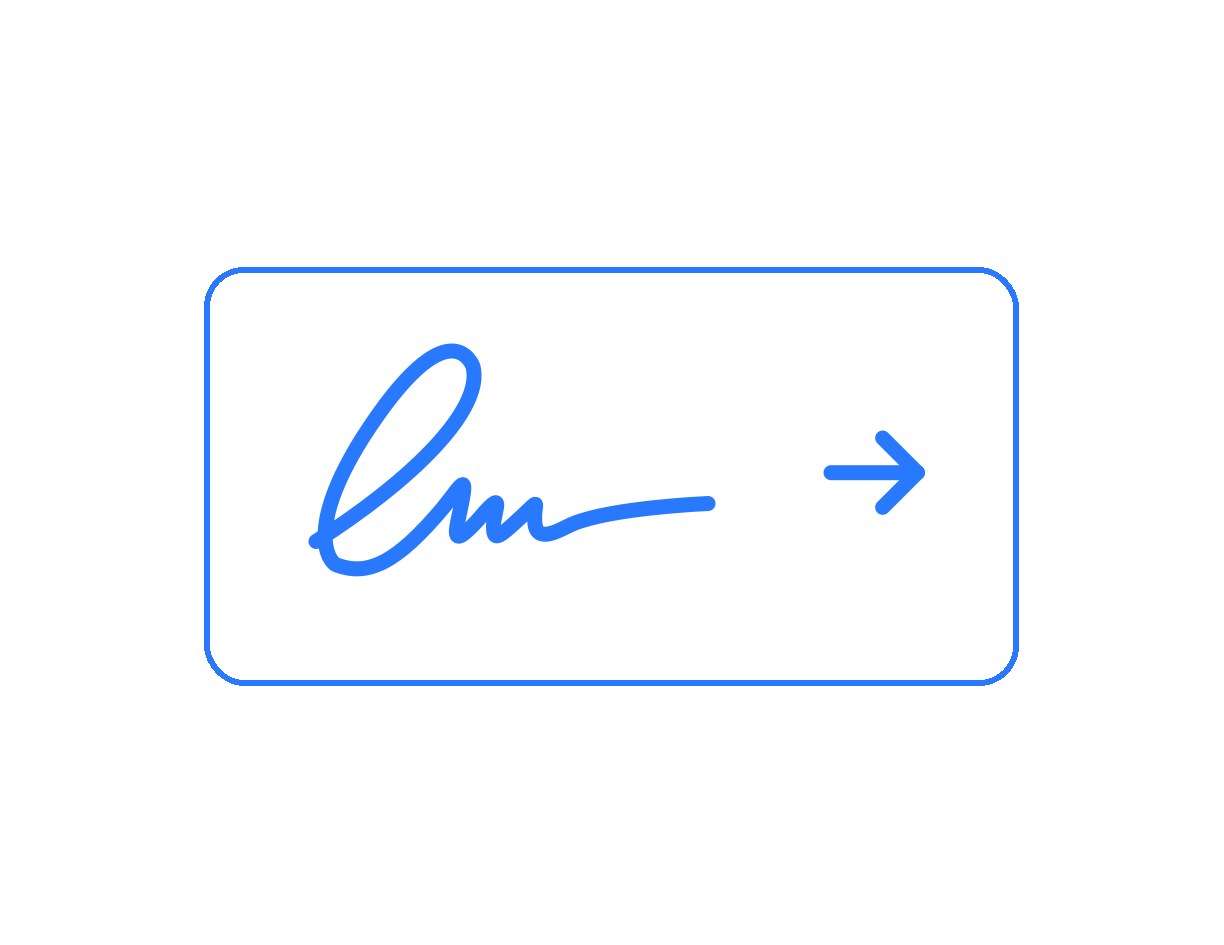
Drawn, typed or uploaded, placed on a page or in a signature field.

Removes the text and images under the box from the file for good.
Thumbnails, plus rotate, reorder, insert and delete pages.
Many Svelte teams start with PDF.js and a canvas. It works, until the feature requests arrive.
| What you need |  EmbedPDF EmbedPDF | Building it yourself on PDF.js |
|---|---|---|
| Show the pages | One tag | pdfjs-dist, a worker setup and a canvas per page |
| Long documents | Only the pages on screen are drawn | You add virtual scrolling yourself |
| Search | Built in, with a list of every match | A text layer, a find controller and your own search UI |
| Annotations | Standard PDF annotations, saved into the file | Your own editor and your own save logic |
| Redaction | Content removed from the file | Not possible with PDF.js alone |
| Phones and tablets | Pinch to zoom, menus that fit a small screen | Touch handling and a mobile layout to design |
| Languages | 13 built in, right-to-left included | Every label to translate |
PDF.js is a great PDF renderer. The point is the weeks of UI work on top of it, which EmbedPDF has already done.
Quick answers for Svelte and SvelteKit developers.
No. EmbedPDF is written for Svelte 5 (5.29 or later). It uses runes for state, snippets for custom parts and callback props for events. If your app is still on Svelte 4, the official Svelte migration tool can move most code over for you.
Yes. Import <PDFViewer> in a +page.svelte file and use it. The package is safe to import on the server, so you don’t need {#if browser}, onMount or ssr = false. The server renders an empty box of the right size, and the viewer starts in the browser.
Yes. Version 3 calls the ready-made viewer @embedpdf/viewer-svelte. Swap the package, then follow the migration guide in the docs. Note that version 3 needs Svelte 5.
Yes. It works in any Svelte 5 app, for example a plain Vite project. The engine’s WebAssembly is part of your build, so there is nothing extra to copy or host.
You have two options. Keep the ready-made viewer and add your own Svelte components to its toolbar with <ToolbarItem>. Or install @embedpdf/svelte, the headless package, and build the whole UI yourself with functions like useStage() and useSearchState().
Most Svelte PDF components wrap PDF.js and focus on showing pages, sometimes with zoom and a basic search. EmbedPDF is a full document viewer: annotations, comments, stamps, forms, signatures and redaction, saved into the PDF. It runs on PDFium, the engine inside Chrome.
No. The engine runs in a Web Worker in the browser. PDFs are opened, changed and saved on the device, and nothing is fetched from a third party at runtime.
Nothing. EmbedPDF is open source under the Apache-2.0 license, free for personal and commercial use.
Install it, add one tag, and move on to the parts of your app that only you can build.
npm install @embedpdf/viewer-svelte@next