
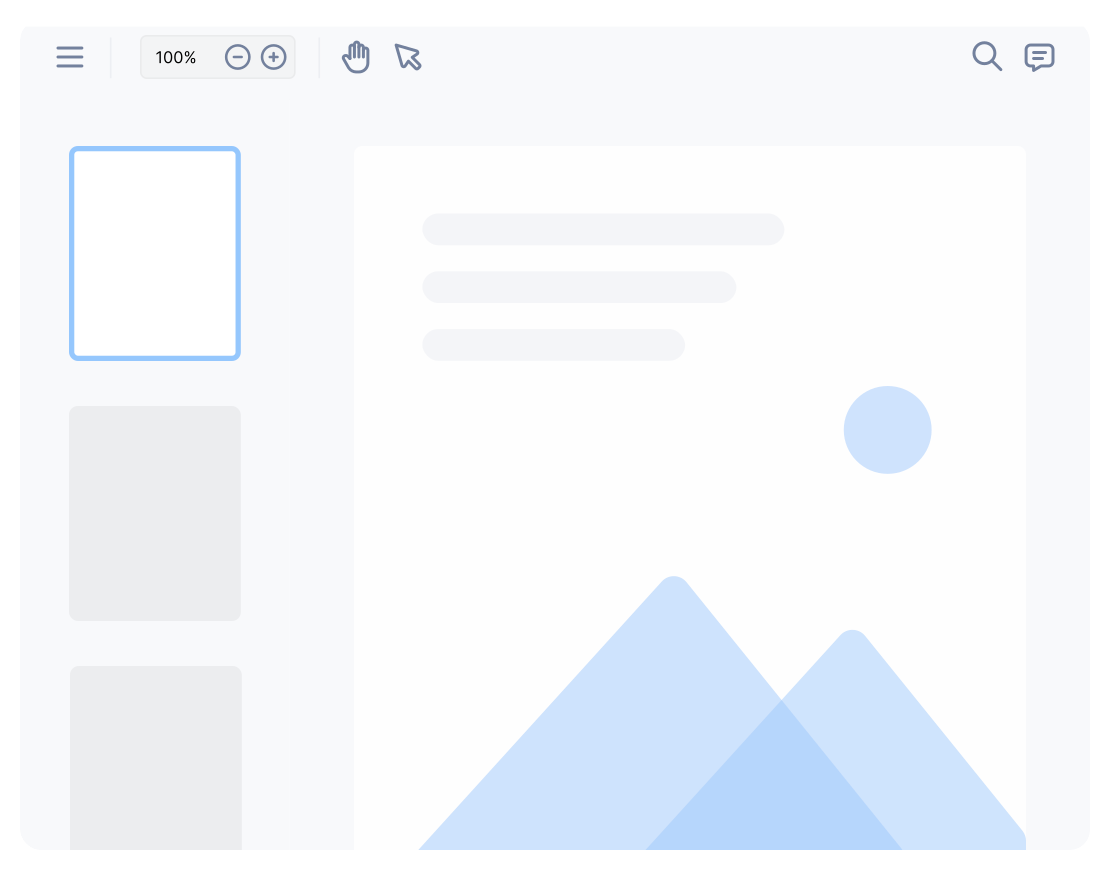
Ready-made Viewer
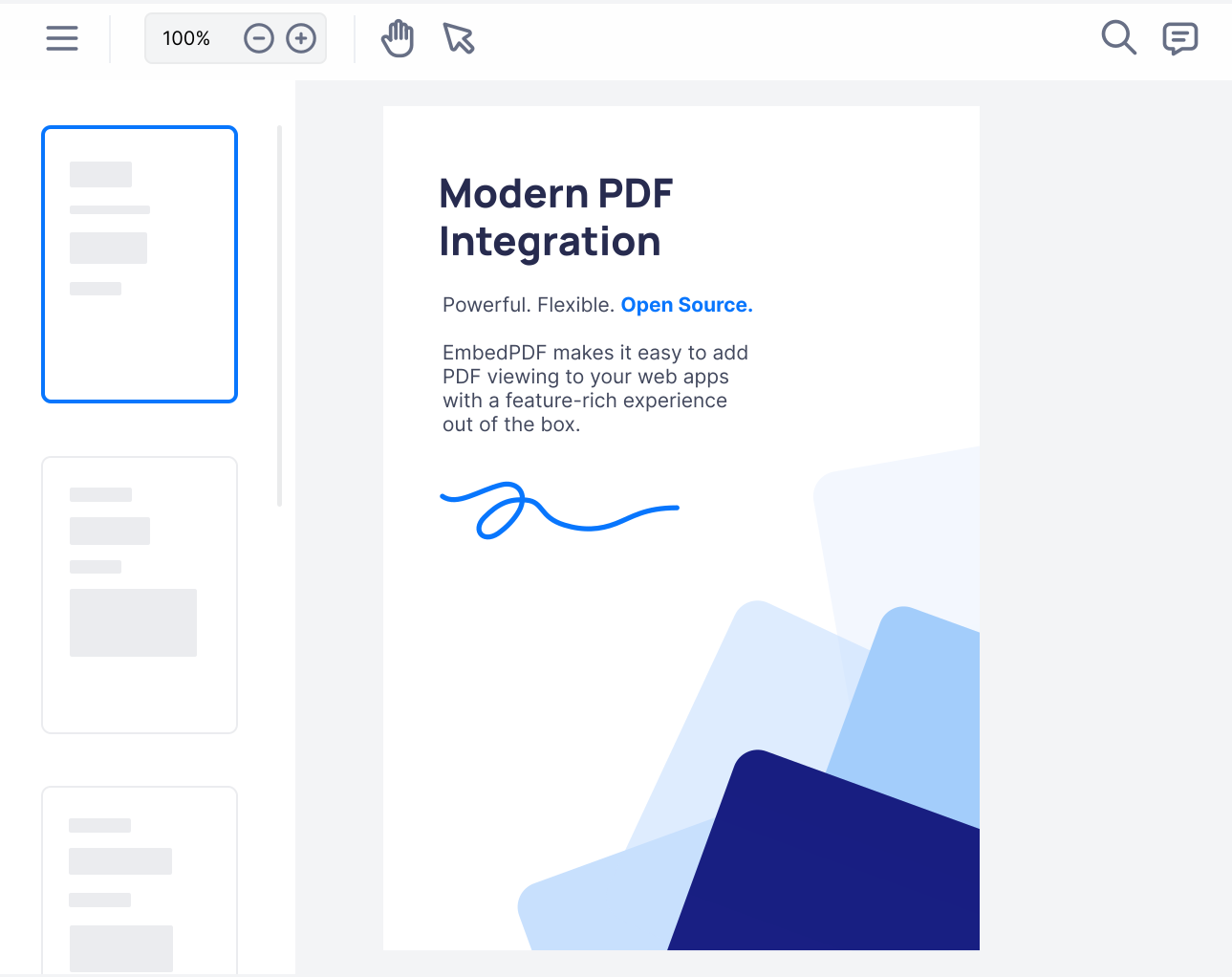
A complete PDF viewer in one React component, ready in minutes.
- One <PDFViewer /> component
- Toolbar, panels and menus included
- Your colors, buttons and components
Read the docs
Add one component and your users can read, search, highlight, fill in and sign PDFs right inside your React app. Want your own look? Build it with our React hooks instead. Free and open source.
import { PDFViewer } from '@embedpdf/viewer-react';

export function App() {
  return (
    <PDFViewer
      src="/report.pdf"
      style={{ height: '100vh' }}
    />
  );
}Works with the React UI libraries you already use
The same PDF engine and the same features. Pick how much of the interface you want to own.
A complete PDF viewer in one React component, ready in minutes.
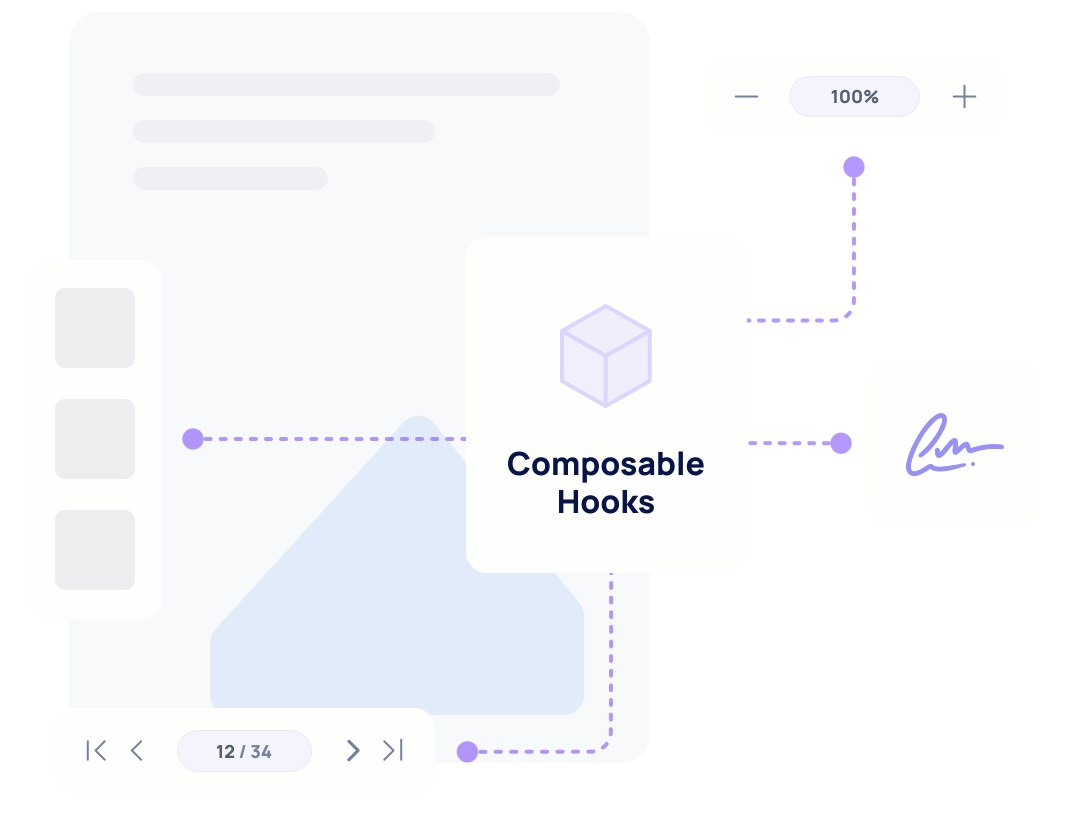
React hooks and components for every feature, with no UI of their own.
Both options run on the same plugins, so you get these features either way.
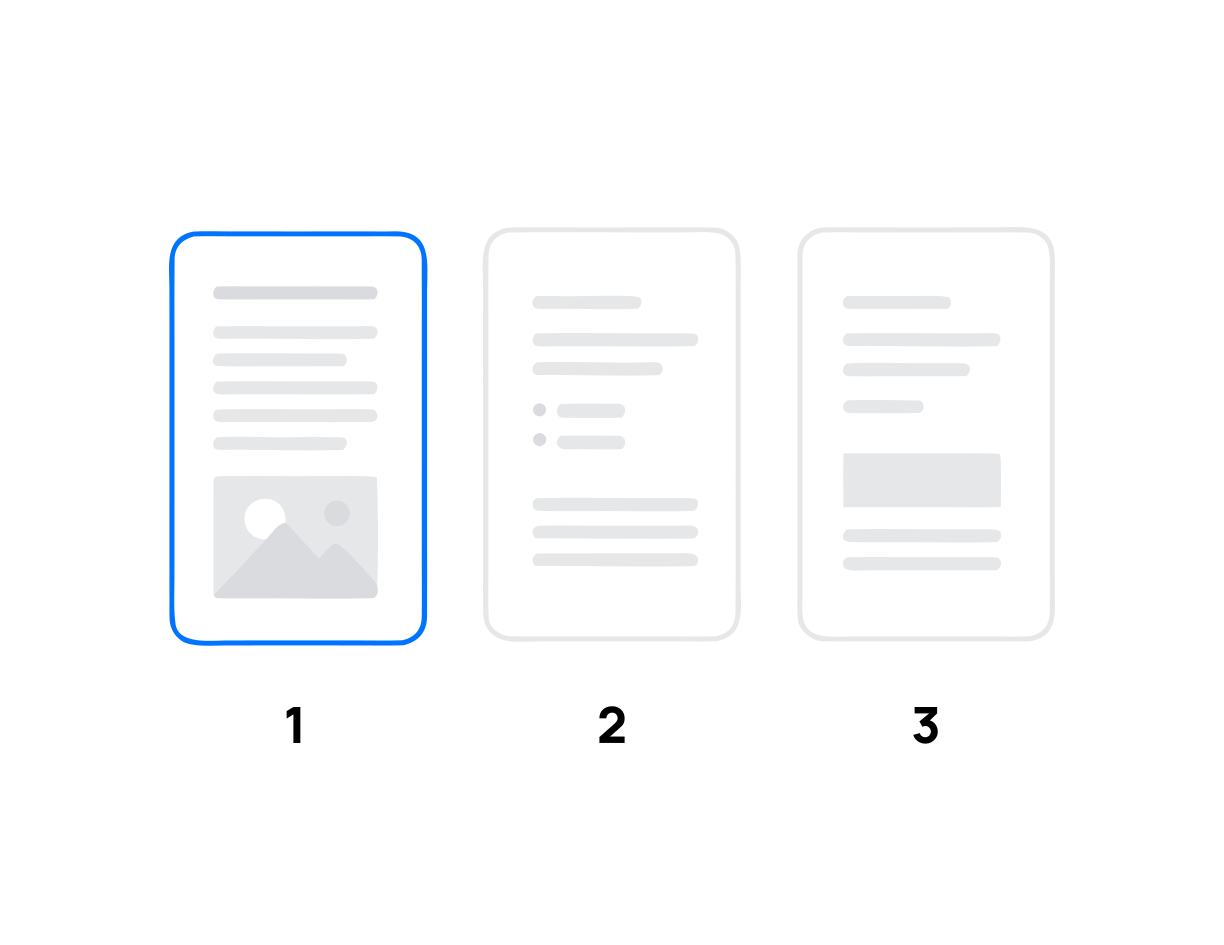
Smooth scrolling, zoom and thumbnails, even in long files.
Every match highlighted in the page and listed.

Highlight, draw, add shapes, notes and comments.

Standard stamps, your own designs, or any image.
Fill in PDF forms, or build new ones in the form mode.
Draw, type or upload a signature and sign fields.

Remove private text and images from the file for good.
Save every change into the PDF. Print all pages or a range.
Both options use the same PDF engine and the same plugins. The difference is how much is done for you, and how much you want to decide yourself.
| Capability | Ready-made viewer | Headless |
|---|---|---|
| Time to a working viewer | Minutes: one component | Longer: you build the interface |
| Interface | Toolbar, panels, menus and dialogs included | None: your components, your design |
| Branding | Accent color, light and dark, --epdf-* CSS variables | All of it: the markup and CSS are yours |
| Your own components | In toolbars and panels, with <ToolbarItem> | Everywhere: the whole UI is yours |
| React state | onReady gives you the viewer and its plugins | Hooks like useSearchState(); pick a value to re-render only on it |
| Annotations, forms, search | All included and switched on | The same plugins, added as you need them |
| Bundle | One package with every feature; turn off what you don’t use | Each feature is its own import |
| Next.js App Router | Render it from a server component, nothing to wrap | Mark your viewer component 'use client' |
| Best for | Most apps, and shipping fast | Products where the viewer is part of your design |
These are real viewers, running in your browser from the code next to them. Switch between them to see what each option gives you.
'use client';

import { PDFViewer } from '@embedpdf/viewer-react';

export function ReadyMadeViewer() {
  return (
    <PDFViewer
      src="/embedpdf-documents-belong-on-the-web.pdf"
      theme={{ preference: 'light', accent: '#0876FD' }}
      style={{ height: '100%' }}
    />
  );
}'use client';
import { localEngine } from '@embedpdf/engine';
import { RenderLayer, renderPlugin } from '@embedpdf/react/render';
import { DocumentGate, Viewer } from '@embedpdf/react/runtime';
import { SearchLayer, searchPlugin, useSearch, useSearchState } from '@embedpdf/react/search';
import { Stage, stagePlugin, useStage, useStageState } from '@embedpdf/react/stage';
const engine = localEngine();
const plugins = [stagePlugin(), renderPlugin(), searchPlugin()];
const button = 'size-8 rounded-full hover:bg-white/15 disabled:opacity-40';
// Your own toolbar: a floating pill with zoom and search.
function Toolbar() {
const stage = useStage();
const { zoomLevel } = useStageState();
const search = useSearch();
const { hitCount, activeHitIndex } = useSearchState();
return (
<div className="absolute bottom-5 left-1/2 flex -translate-x-1/2 items-center gap-1 rounded-full bg-[#1a1530] p-1.5 text-sm text-white shadow-xl">
<button className={button} onClick={() => stage.zoomOut()}>
−
</button>
<span className="w-12 text-center tabular-nums">{Math.round(zoomLevel * 100)}%</span>
<button className={button} onClick={() => stage.zoomIn()}>
+
</button>
<input
className="mx-1 w-28 rounded-full bg-white/10 px-3 py-1.5 outline-none placeholder:text-white/50"
placeholder="Search"
onChange={(event) => search.search({ text: event.target.value })}
/>
<span className="w-10 text-center tabular-nums text-white/70">
{hitCount > 0 ? `${activeHitIndex + 1}/${hitCount}` : '–'}
</span>
<button className={button} disabled={hitCount === 0} onClick={() => search.nextHit()}>
↓
</button>
</div>
);
}
export function CustomViewer() {
return (
<Viewer
engine={engine}
plugins={plugins}
initialDocuments={[
{ source: { kind: 'url', url: '/embedpdf-documents-belong-on-the-web.pdf' } },
]}
>
<DocumentGate fallback={<p className="p-6 text-sm text-slate-500">Opening…</p>}>
<div className="relative h-full bg-violet-50">
<Stage style={{ height: '100%' }}>
{() => (
<>
<RenderLayer />
<SearchLayer />
</>
)}
</Stage>
<Toolbar />
</div>
</DocumentGate>
</Viewer>
);
}<ToolbarItem>.No black box: read the code, check the numbers, and follow every change on GitHub.
From side projects to document platforms.
npmjs.comIssues, pull requests and releases, all in public.
github.com
Working with the people behind the PDF standard.
pdfa.orgFree for commercial use, with an explicit patent grant.
Read the licenseShort answers to what React developers ask us most.
react-pdf is a good library for drawing PDF pages in React. It gives you a Document and a Page component on top of PDF.js, and everything around the pages is yours to build: the toolbar, zoom buttons, a search box, thumbnails, and any way to mark up the file. EmbedPDF gives you all of that ready to use, plus annotations, forms, signatures and redaction that are saved into the PDF itself. It runs on PDFium, the PDF engine inside Chrome, instead of PDF.js.
Yes. <PDFViewer> is already a client component, so you can render it straight from a server component. There is no "use client" file to add, no dynamic import and no ssr: false. The server sends an empty box of the size you set, and the viewer starts in the browser. If you build your own UI with the headless hooks, mark that component "use client", like any component that uses hooks.
Yes, and you don’t have to switch all at once. Both run on the same engine and the same plugins, with the same names and settings. Many apps start with <PDFViewer>, add their own buttons and components to it, and only move to the headless hooks when the viewer has to look completely like their product.
React 18 and React 19. The package lists react >= 18 as its only peer dependency, so it works with Vite, Next.js and any other setup that runs React 18 or later.
No. The ready-made viewer draws inside a shadow DOM, so resets like Tailwind’s preflight can’t reach it. You style it on purpose instead: a theme prop for colors, and --epdf-* CSS variables for every color and corner. With the headless hooks there is nothing to protect: the markup is yours.
Use the onReady prop. It hands you the viewer once it is live, and every feature is a plugin you reach by name: viewer.get("search").search({ text: "total" }) runs a search, for example. The headless docs describe every plugin’s methods.
No. The PDF engine runs as WebAssembly in a Web Worker inside the user’s browser. Files are opened, edited and saved on the device. The engine files are part of your own build, so nothing is fetched from a third party unless you set that up.
Yes. EmbedPDF is open source under the Apache-2.0 license. You can use it in commercial and closed-source products without paying, and without having to open source your own code.
Install one package, render one component, and your users have a full PDF viewer. Open source under Apache-2.0, free for commercial use.
npm install @embedpdf/viewer-react@next